Flow architecture
Provided UI components
Use the hosted zKYC experience to keep sensitive data inside a trusted environment while giving users a clear, guided flow.
Start a new verification
Redirect users to the hosted UI to begin. The flow collects required details and optional OCR/liveness steps in one place.
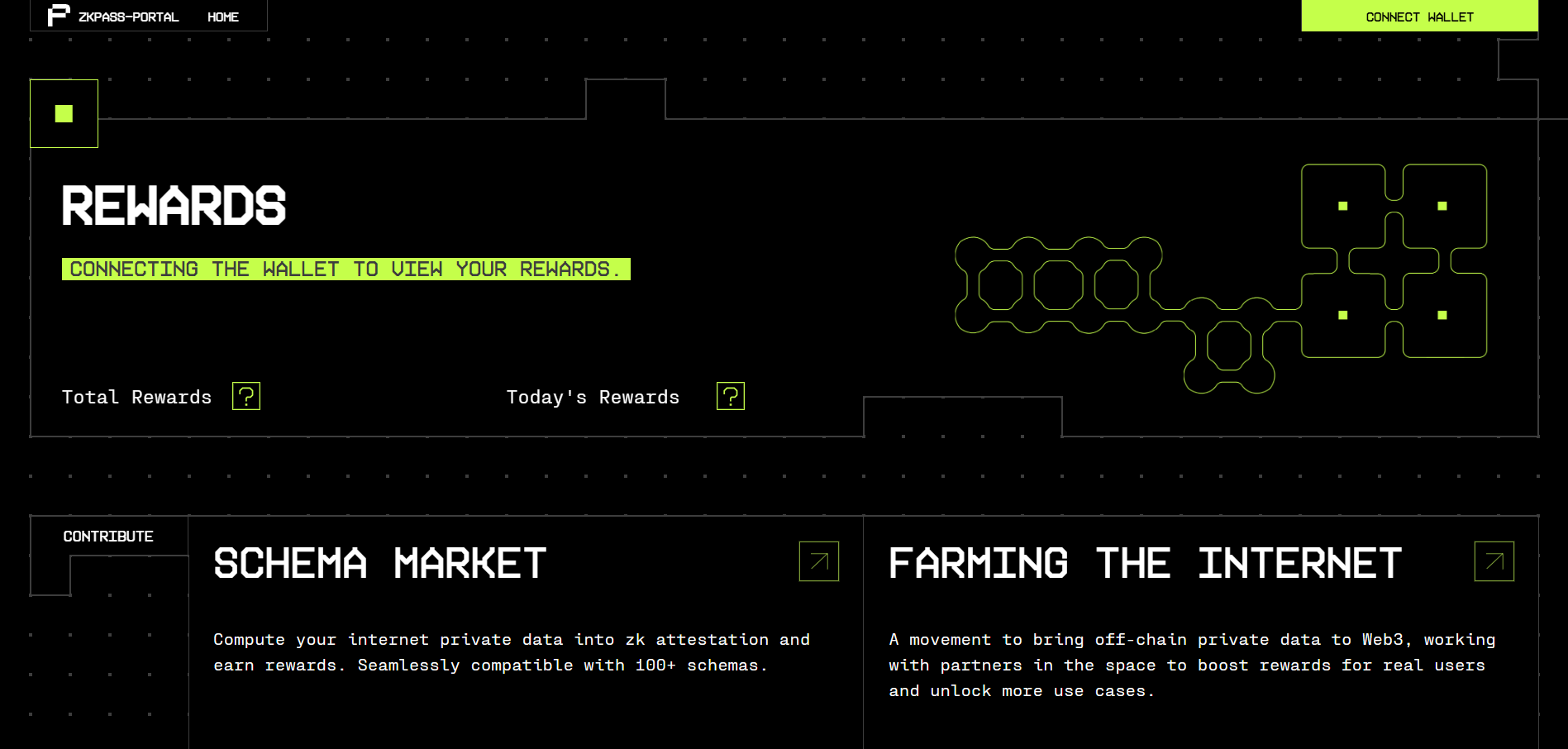
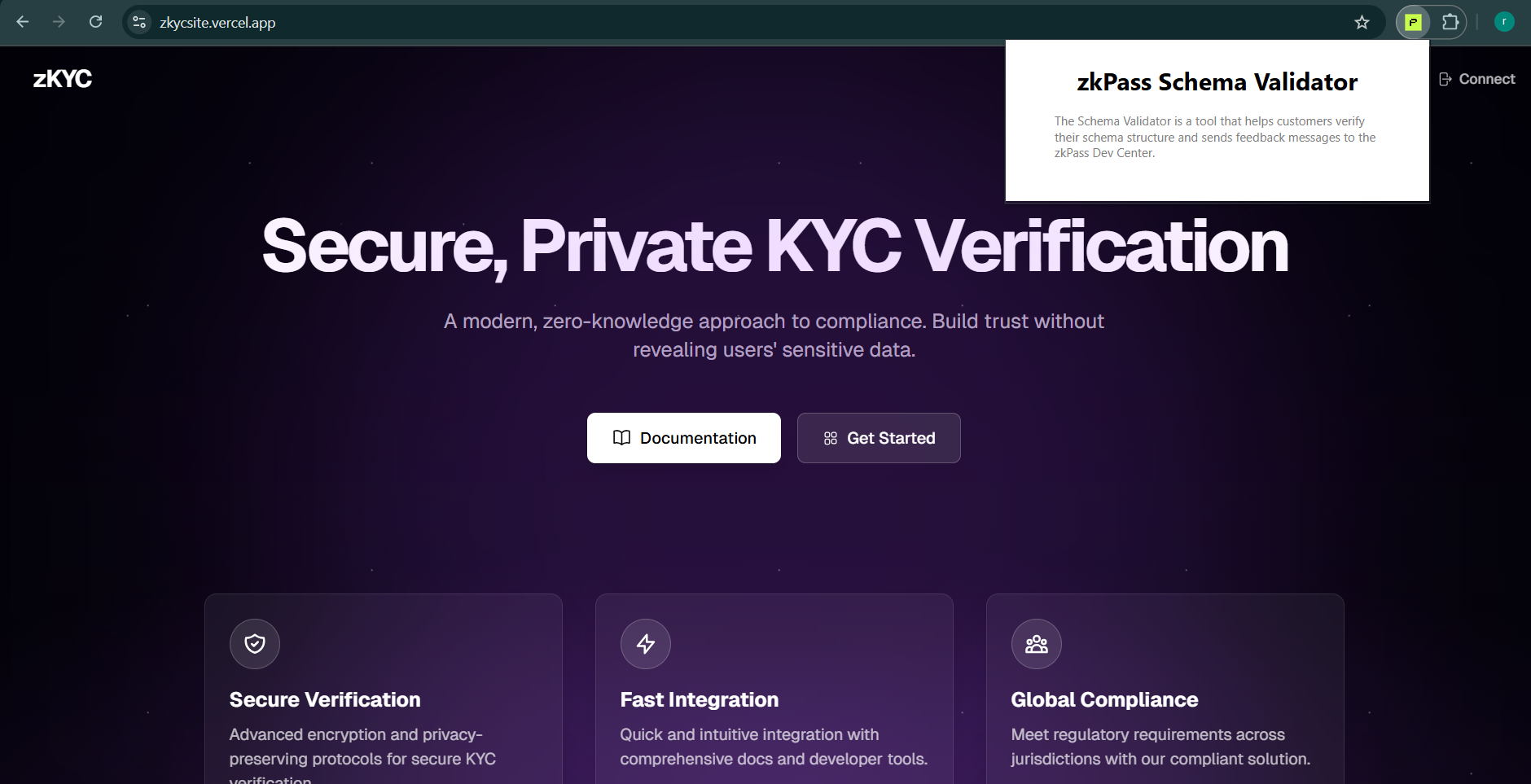
Key screens
Launch & connect
Users open the extension, connect (optional) wallet, and jump into the zKYC portal.
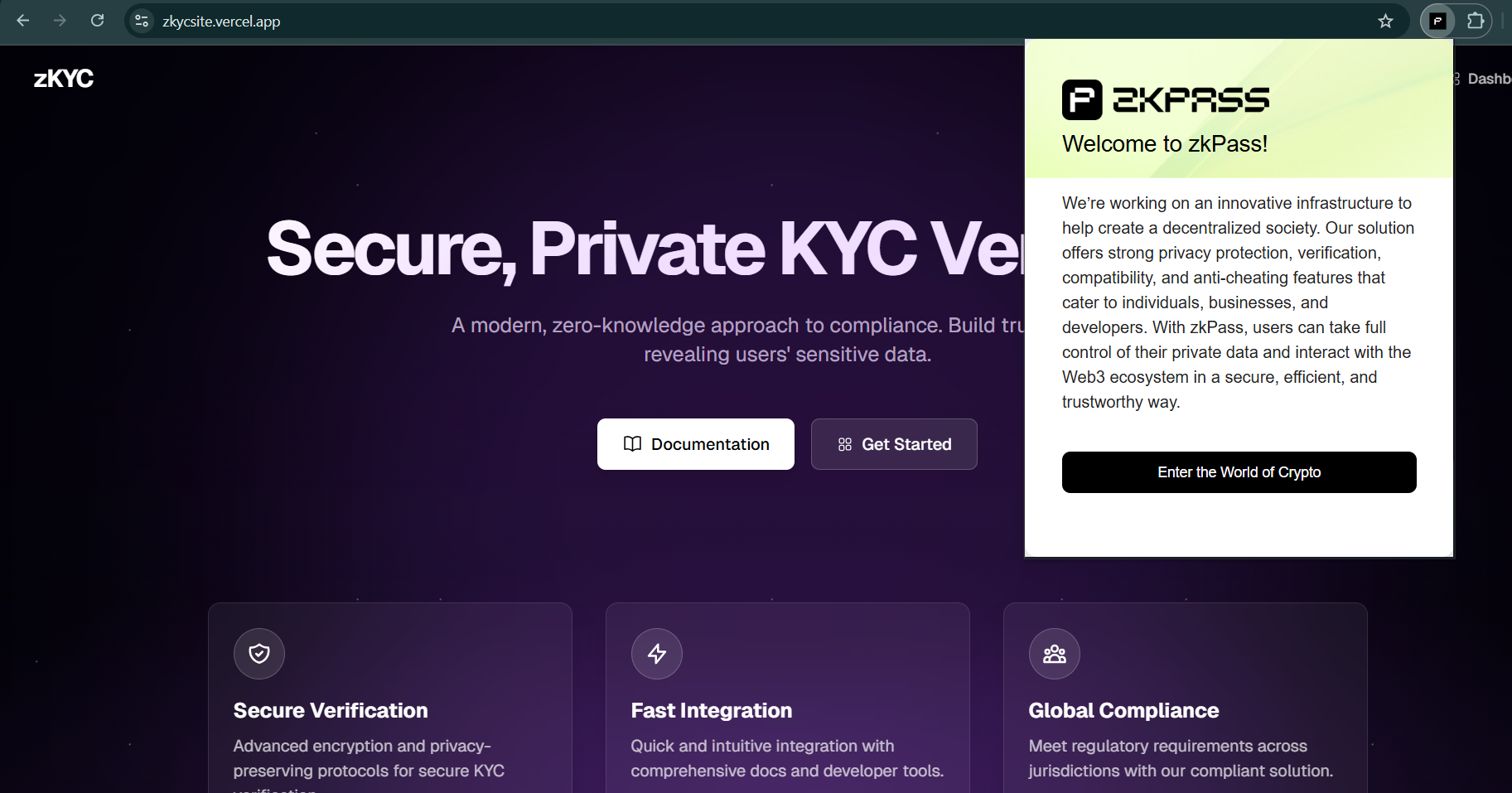
Upload documents
Users submit identity documents; OCR can be enabled to streamline capture.
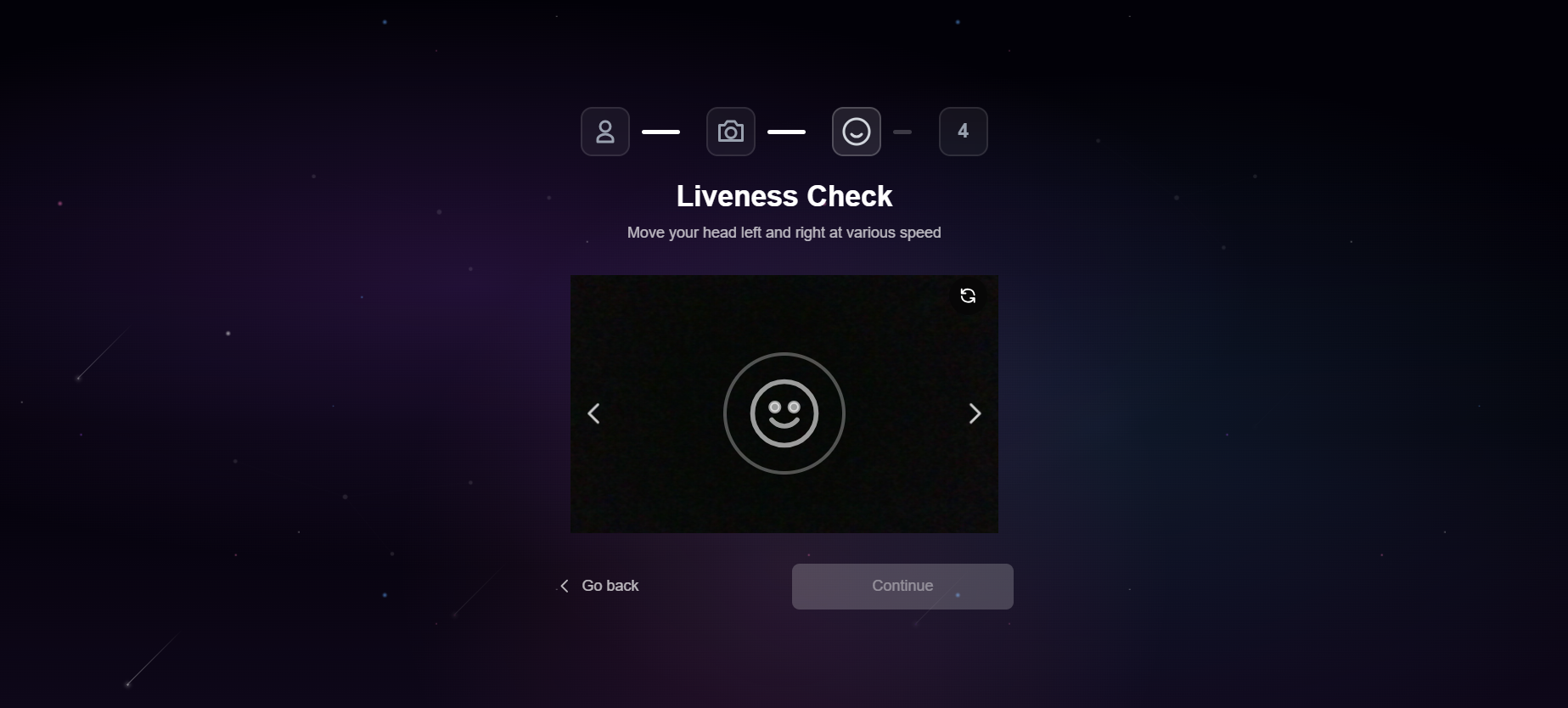
Liveness detection
Optional camera-based liveness check to ensure a real user is present.
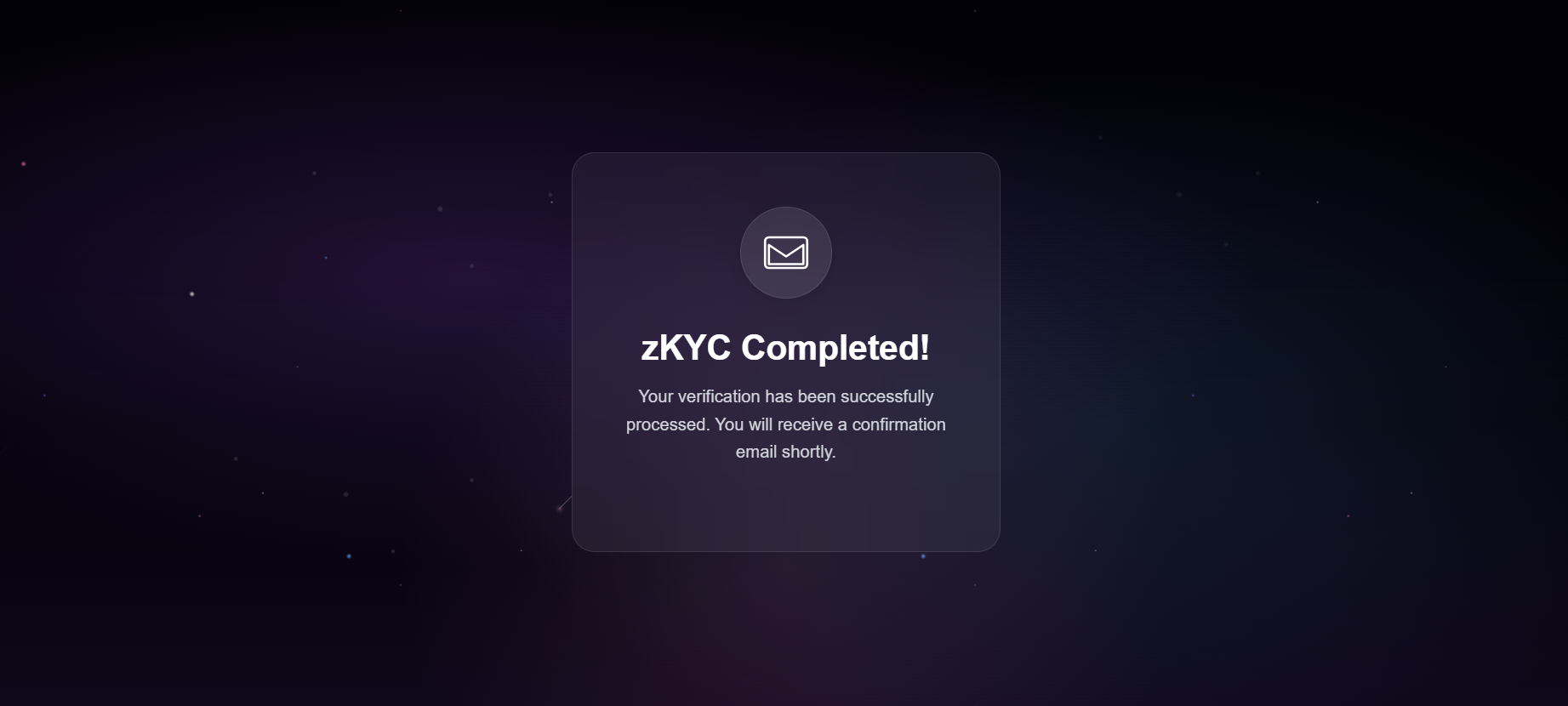
Generate proof
Once credentials are verified, the user triggers proof generation for reuse.
Reuse a proof
With a proof ID, users can skip re-verification and immediately present the stored proof in the hosted UI.

All UI components stay inside the zkPass environment, so your application never handles raw identity data, reducing compliance scope.